Quick steps to get started
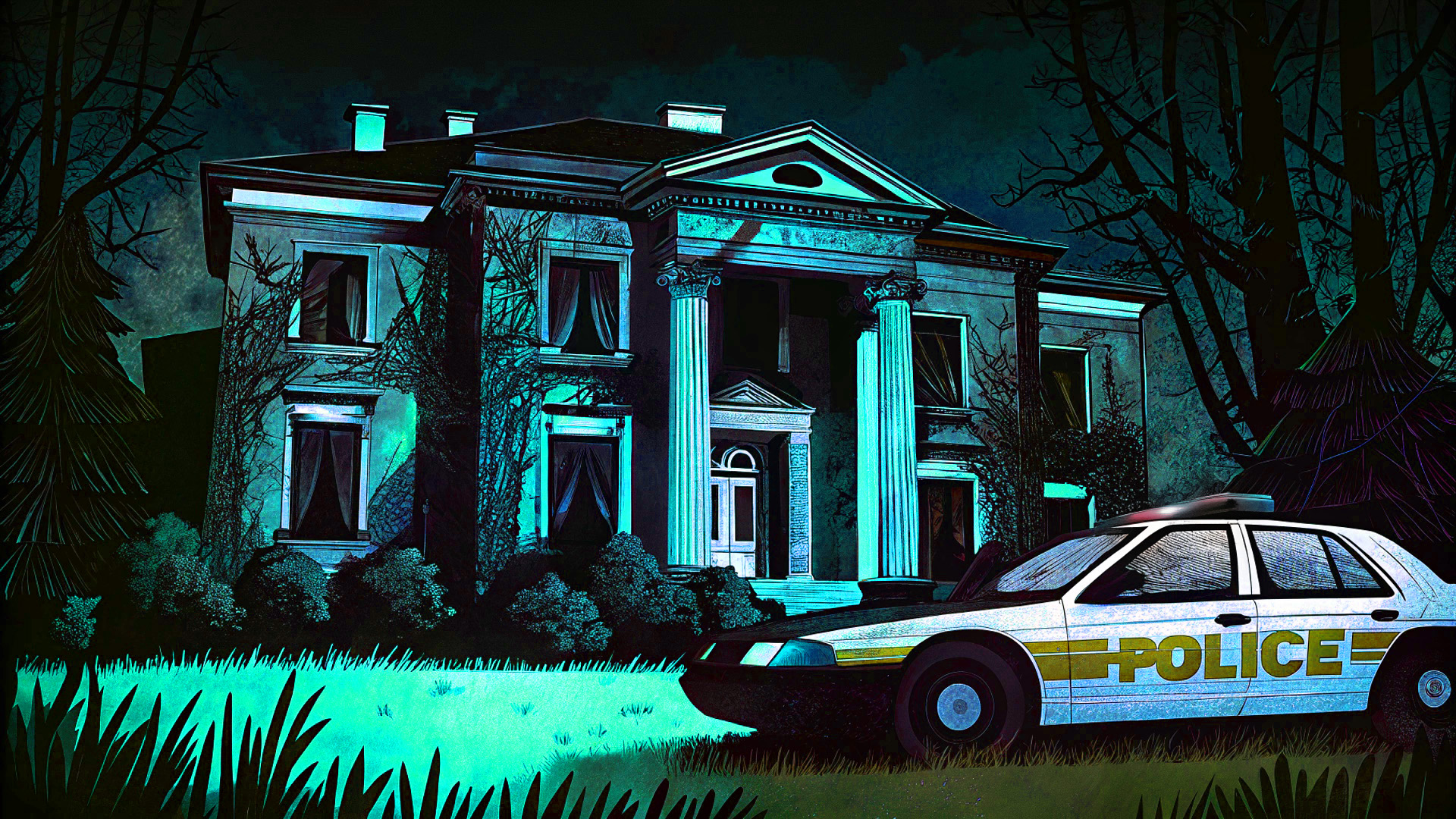
You are the last survivor of Outpost 9. Deadly zombies are closing in, and the only way to stay alive is to fight back with everything you’ve got. Earn points to unlock doors, buy powerful weapons and perks, restore the facility’s power, and light the beacon. Climb the global leaderboards by racking up kills, headshots, and survival time. How long can you last before the waves overwhelm you?
Desktop Controls:
W: Move forward.
S: Move backward.
A: Move left.
D: Move right.
Mouse: Look around and aim.
Left Click: Fire weapon.
Right Click: Aim down sights.
R: Reload.
E: Buy / open / interact (hold to repair).
G: Throw grenade.
V: Melee attack.
1, 2, Q: Switch weapon (or mouse wheel).
F: Toggle flashlight.
Spacebar: Jump.
Shift: Sprint.
Esc: Pause game.
Mobile Controls:
Left Thumb Stick: Move in all directions.
Right Side Drag: Look around and aim.
FIRE Button: Tap to shoot.
SIGHT Button: Tap to aim down sights (toggle).
USE Button: Tap to interact, hold to repair.
RLD Button: Tap to reload.
NADE Button: Tap to throw grenade.
KNIFE Button: Tap to melee attack.
SWAP Button: Tap to switch weapon.
LIGHT Button: Tap to toggle flashlight.
JUMP Button: Tap to jump.
SPRINT Button: Tap to sprint (toggle).
Pause Button: Tap to pause game.
Fullscreen Button: Tap to enter fullscreen (top-left, landscape and portrait).
What's it all about?
Survive endless zombie waves in Outpost 9, a first-person horror shooter. Earn points, unlock doors, restore power, buy weapons and perks, and hold the facility as long as you can. Climb the leaderboards for kills, headshots and longest survival time.
Our player, ratings, and related picks
Play Outpost 9 free on CubicRubik in our action collection. We host the game in a fast browser player, keep your recent plays and favorites on our site, and show related titles so your next session is one click away.
Unlike bare embed pages, CubicRubik adds ratings, category context, how-to steps, and curated related games around Outpost 9—so you get discovery and guidance, not only a third-party frame.
Quick answers before you play
Platforms & genres