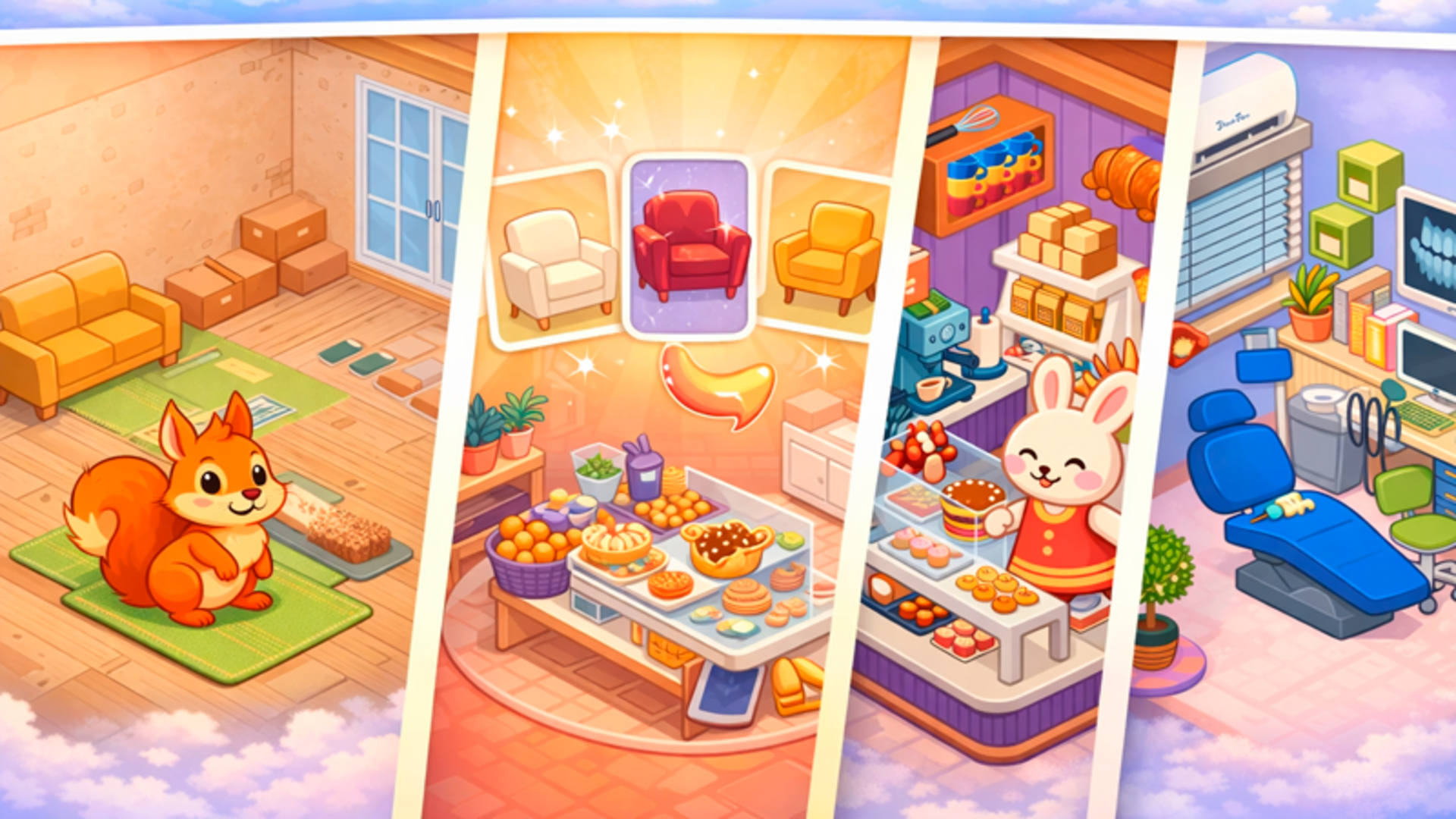
Quick steps to get started
1. Choose the room you want to decorate
2. At the bottom of the screen, select a category: walls, floors, furniture, décor, windows, and more
3. Tap an item in the catalog, then tap anywhere in the room — the item will appear there
4. Drag items wherever you like — total placement freedom
5. Save your design and earn coins for new items
6. Spend coins in the shop on new furniture, wallpapers, and rooms
7. Complete challenges — themed tasks with rewards
What's it all about?
Six unique rooms await you: a cozy bedroom, a stylish living room, a magical nursery, a charming kitchen, an atmospheric café, and a sunny balcony. In every room, you decide what goes where — total design freedom! Over 250 items: beds, sofas, wardrobes, side tables, lamps, plants, rugs, curtains, toys, paintings, windows with different views, and much more. Every item can be repainted in various colors and placed anywhere you like. Choose wallpapers and floors from dozens of options — from delicate stripes and hearts to starry skies and floral patterns. Place windows with views of the sea, mountains, a city at night, or an enchanted garden. Earn coins, unlock new rooms, and collect rare items!
Our player, ratings, and related picks
Play Dream Room free on CubicRubik in our decoration collection. We host the game in a fast browser player, keep your recent plays and favorites on our site, and show related titles so your next session is one click away.
Unlike bare embed pages, CubicRubik adds ratings, category context, how-to steps, and curated related games around Dream Room—so you get discovery and guidance, not only a third-party frame.
Quick answers before you play
Platforms & genres